
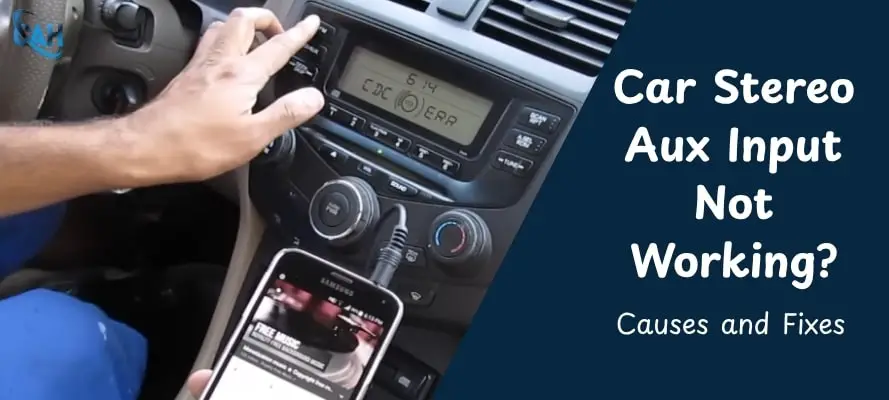
If your car stereo AUX input is not working, we know how frustrating that can be. AUX ports are among the most-used input types for car stereos to connect mobile phones, MP3 players, tablets, and other external audio devices. While they’re convenient, AUX inputs are also vulnerable to a variety of physical and electrical issues. That can leave you with a functioning stereo but no sound from your favorite device.
In this guide, we’ll explore with you the most common reasons your AUX port might not work and how to fix them using proven methods we’ve tested across brands like Kenwood, Pioneer, Sony, and others in real-world installs.
Table of Contents
Common Symptoms When AUX Input Is Not Working
Based on our diagnostic experience, identifying the specific symptom your stereo is showing helps you zero in on the root cause much faster. Here are the most common signs that point to AUX input issues:
1. No sound from AUX at all – The stereo powers on successfully but produces no audio output when the AUX source is selected.
2. Crackling, distortion, or low volume – Audio cuts in and out, sounds fuzzy, or remains quiet even at high volume levels.
3. AUX only works on one side – Audio plays through only the left or right speaker, not both.
4. AUX input is intermittent or cuts out – Sound drops randomly, often when driving over bumps or moving the cable.
Diagnosing the Root Cause
Before applying a fix, we recommend confirming whether the issue lies in your cable, audio device, or the head unit settings.
Rule Out the External Devices First
Use a different AUX cable or audio device to test if the issue persists. Sometimes, the problem is as simple as a worn-out cable or muted app volume.
Inspect the AUX Port Physically
Look inside the AUX jack using a flashlight. Clear out any dust or debris using compressed air. If the plug feels loose, there may be internal wear or disconnection.
Stereo Configuration Errors
Double-check that your head unit has AUX enabled in its settings. If not visible, a factory reset might restore it.
How to Fix AUX Input Not Working
Once we’ve confirmed the source of an AUX issue, we use these practical fixes to restore proper functionality. The fixes range from basic DIY tasks to more advanced internal repairs. Here’s a detailed breakdown based on the type of issue you’re facing.
1. Basic DIY Fixes
Start with the simplest solutions first. Often, AUX issues stem from dust buildup, bad cables, or incorrect settings.
- Clean the AUX port gently using compressed air or a soft-bristled brush. Dust or debris inside the jack can prevent proper contact.
- Replace the AUX cable with a known working one. Cheap or worn-out cables are a top culprit.
- Reset the stereo to factory settings. If the AUX mode isn’t being recognized, restoring defaults can clear any misconfigurations.
These steps resolve most minor AUX-related problems, based on what we’ve encountered in hands-on diagnostic work and troubleshooting scenarios.
2. Electrical or Internal Fixes
If the simple methods don’t work, the issue may be inside the head unit. These fixes require more care and some electrical knowledge:
- Inspect the solder joints on the AUX jack. Cold solder joints or cracks can cause intermittent or total signal loss.
- Re-solder or replace the jack if necessary. This can restore a firm connection between the port and the circuit board.
- Check for a shorted ground connection or damaged traces on the board. A multimeter helps identify grounding faults or continuity issues.
If you're comfortable working with car electronics, we’ve found these methods to be effective in restoring AUX functionality without requiring a complete head unit replacement.
3. Alternative Audio Inputs You Can Use
If the AUX port is beyond repair, consider using alternative audio inputs that are compatible with your head unit:
- USB-to-AUX adapters can transmit digital audio if your stereo supports USB input.
- Bluetooth receivers can connect wirelessly to your phone and plug into another input on the stereo.
- FM transmitters offer a wireless solution by broadcasting audio over a radio frequency. This should only be used as a backup option, since audio quality is typically lower.
AUX Port Issues by Stereo Brand
From what we’ve observed during troubleshooting sessions, brand-specific AUX issues vary significantly across Kenwood, Pioneer, and Sony units. Recognizing these distinctions can help streamline your troubleshooting and avoid unnecessary trial and error.
Kenwood Car Stereo AUX Not Working
In Kenwood units, particularly older models, the AUX input is often turned off by default. You’ll need to manually activate it by entering the system setup menu and toggling the “AUX OFF” setting to “ON.”
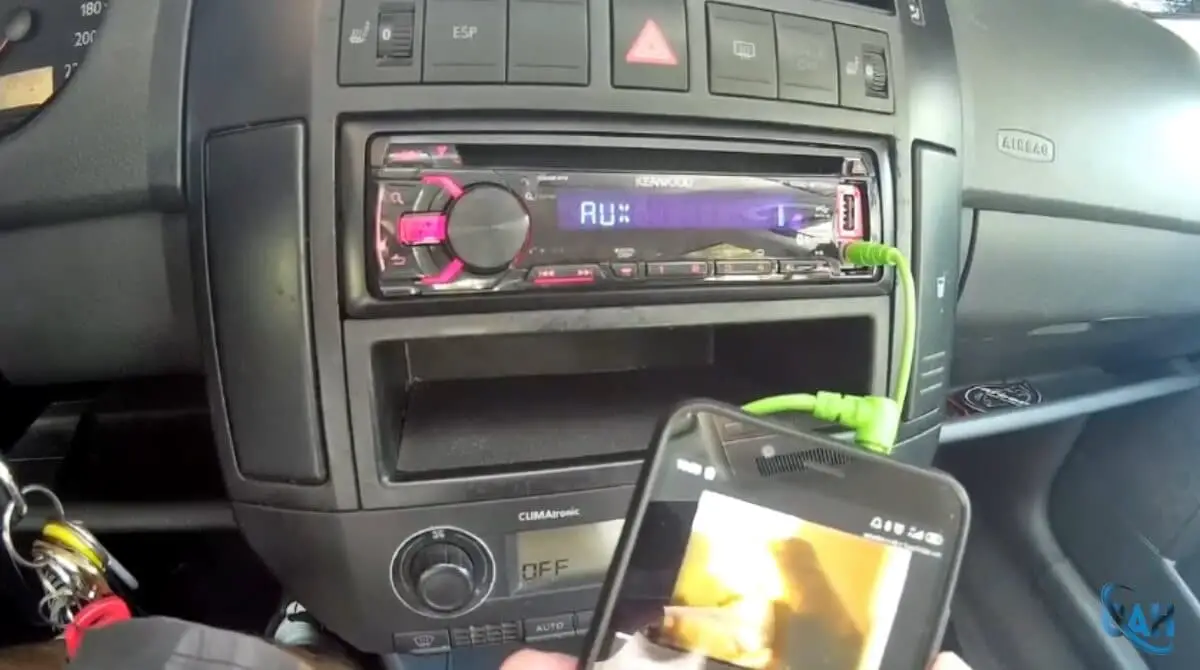
Another quirk with Kenwood systems is input assignment. If multiple sources are connected (like USB and AUX), the system may prioritize one over the other, hiding the AUX input from selection.
Pioneer Car Stereo AUX Input Not Working
Pioneer stereos often require users to activate AUX via the function or settings menu, especially if it was disabled during initial setup. Some users also report that AUX performance varies depending on the firmware version.
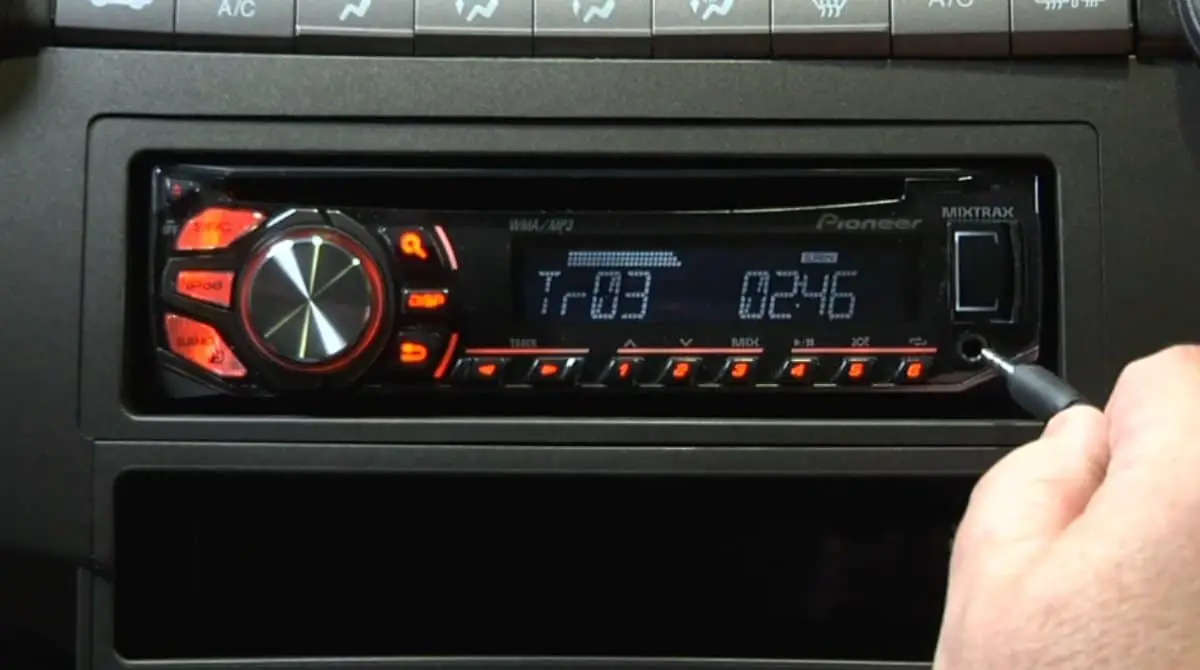
If your AUX option is missing or greyed out, check for firmware updates. Also, note that Pioneer’s rear AUX inputs are more common, which may cause confusion if you're expecting a front-facing jack.
Sony Car Stereo AUX Input Not Working
Sony head units can be sensitive to grounding issues, particularly with the chassis connection around the AUX circuitry. This results in faint or one-sided audio.
Inspect the AUX jack’s solder joints and surrounding grounding paths for continuity. In some cases, poor contact with the vehicle's chassis can also be the culprit, especially if you've recently removed or reinstalled the stereo.
FAQs – Fixing AUX Input in Car Stereo
Why is my AUX only working on one side?
This often indicates a faulty AUX cable or a misaligned plug. Bent pins inside the AUX jack can also prevent full stereo contact. Try switching cables first, and inspect the port for dust, damage, or uneven wear.
Can I fix a broken AUX port without soldering?
In some cases, yes. You can clean the port with compressed air or gently reseat a loose jack. However, if internal damage is the issue, soldering or professional repair is typically necessary to restore proper function.
Does using AUX splitters cause problems?
Yes, splitters can cause signal degradation, volume loss, or imbalanced channels. If you need to connect multiple devices, a proper AUX switch or amplifier with multiple inputs is more reliable.
Is Bluetooth better than AUX for sound quality?
Bluetooth is wireless and convenient, but it may compress audio, depending on the codec and hardware. AUX connections offer pure analog audio without compression, making them ideal for unfiltered sound in mid-range systems.
Why does my AUX cut out when driving over bumps?
Loose connections inside the AUX jack or a frayed cable can cause intermittent signal loss from vibrations. If reseating the cable doesn’t help, inspect the stereo port for worn solder points or unstable mounting.
Can I upgrade my AUX to USB or Bluetooth without replacing the stereo?
Yes, several plug-and-play options exist. USB-to-AUX adapters and Bluetooth receivers let you modernize your setup without a full head unit swap. Just make sure your stereo supports the connection mode.
When should I consider replacing the head unit instead of repairing the AUX port?
If the AUX port is physically damaged beyond repair or if your stereo lacks current features like Bluetooth or USB-C, an upgrade might be the smarter long-term choice. Newer head units also offer better sound, input options, and app integration.
My Final Thoughts
Most AUX issues are easier to resolve than they initially seem. According to our findings, these problems often look more intimidating than they are. Here’s a recap of what we’ve found works best and where to go next if your audio system still refuses to cooperate.
If your car stereo AUX port is not working, don’t panic. Most AUX issues are fixable, often with a new cable, a port cleaning, or a settings reset. Only in rare cases will you need to replace the jack or head unit entirely.
Need more help? Explore these related resources: